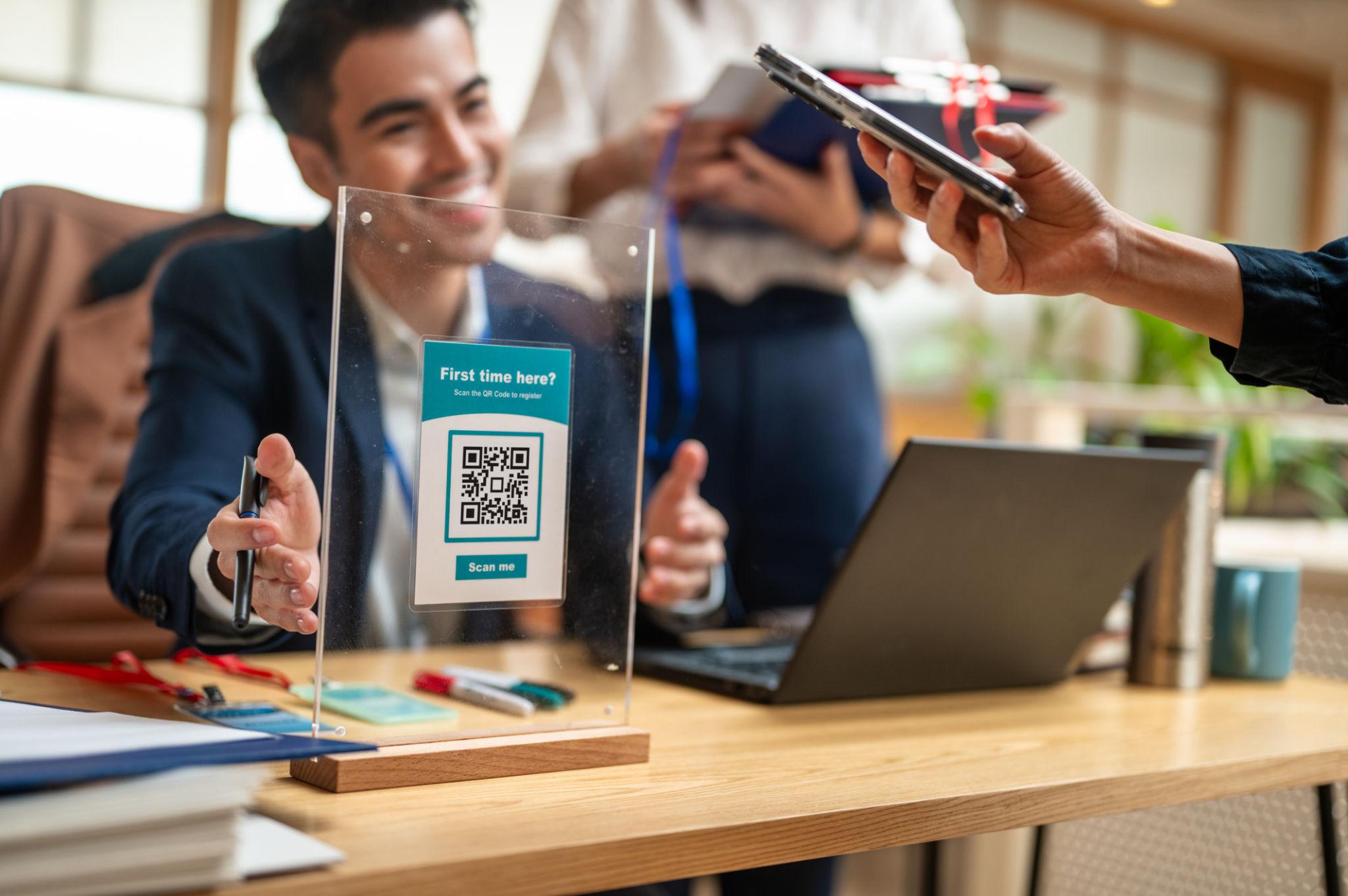
First impressions matter, and your business cards and brochures are often the first tangible touchpoint potential customers have with your brand. By adding QR codes to these essential marketing materials, you transform static information into dynamic, interactive experiences.
The Evolution of Business Cards
Traditional paper business cards have limitations:
- Easy to lose or forget
- Limited space for information
- Cannot be updated after printing
- No way to track engagement
- Requires manual data entry to save contacts
QR code business cards solve all these problems while adding powerful new capabilities.
Why QR Code Business Cards Are Better
For the Giver (You)
- ✅ Update anytime: Change job titles, phone numbers, or emails without reprinting
- ✅ Track engagement: Know who scanned your card and when
- ✅ Rich content: Share portfolio links, testimonials, or intro videos
- ✅ Lead capture: Collect info from people who scan
- ✅ Cost savings: One QR card lasts indefinitely
For the Receiver (Your Contact)
- ✅ One-tap save: Contacts save to phone with one click
- ✅ No typing: Eliminates manual data entry errors
- ✅ Always current: Gets your latest contact information
- ✅ Digital follow-up: Receive calendar invites, emails, or resources
- ✅ Eco-friendly: No paper waste
Types of QR Business Cards
vCard QR Codes
The most common type, vCard QR codes save directly to smartphone contacts:
- Full name, job title, company
- Phone numbers (work, mobile, direct)
- Email addresses
- Website and social media links
- Physical address and map link
- Profile photo or company logo
Portfolio QR Codes
Link directly to your work samples and case studies:
- Project galleries and portfolios
- Client testimonials and reviews
- Case studies and success stories
- Resume or CV download
- LinkedIn profile or professional website
Meeting Scheduler QR Codes
Enable instant meeting booking from your card:
- Connect to Calendly or similar scheduling tools
- View real-time availability
- Book appointments with one click
- Receive calendar invites automatically
- Set meeting reminders
Multi-Link QR Codes
One QR code that offers multiple options:
- Menu of actions: Save Contact, Visit Website, Book Meeting, View Portfolio
- Customizable landing page with your branding
- Analytics for each action type
- Mobile-optimized interface
QR Codes for Brochures
Transform static brochures into interactive sales tools:
Product Brochures
Add QR codes that link to:
- Product demo videos and tutorials
- Specification sheets and technical documents
- Customer reviews and ratings
- Live pricing and availability
- Online ordering pages
Real Estate Brochures
Enhance property listings with:
- 3D virtual tours and walkthroughs
- Neighborhood guides and school information
- Mortgage calculators and affordability tools
- Schedule viewing directly
- Save property to favorites
Corporate Brochures
Share company information effectively:
- Company overview videos from leadership
- Client case studies and testimonials
- Team member introductions
- Awards and recognition
- Contact form and inquiry submission
5 Benefits of QR-Enabled Brochures
1. Unlimited Content
Physical brochures have space constraints, but QR codes have no limits:
- Link to dozens of pages of content
- Include video, audio, and interactive elements
- Update information without reprinting
- Add seasonal or limited-time offers
- Provide different language versions
2. Trackable Engagement
Know exactly how people interact with your materials:
- Which sections get the most attention
- How many people viewed videos or downloaded files
- Which calls-to-action perform best
- Geographic distribution of brochure readers
- Time spent engaging with content
3. Cost Efficiency
Reduce printing costs while improving results:
- Print once, update digital content indefinitely
- Eliminate obsolete inventory when information changes
- Use smaller, cheaper printed pieces with QR links to detailed content
- Reduce warehousing and disposal costs
4. Lead Generation
Capture leads directly from your brochure:
- Collect email addresses for follow-up
- Offer gated content (case studies, white papers) in exchange for contact info
- Trigger automated email sequences based on QR interactions
- Score leads based on engagement level
- Integrate with CRM automatically
5. Personalization
Create unique QR codes for different audiences:
- By region (different offers for different areas)
- By channel (track which distribution method works best)
- By event (custom codes for each conference or trade show)
- By sales rep (track individual performance)
- By customer segment (tailored content for different industries)
Design Best Practices
For Business Cards
- 📇 Front or back? Place QR code on back for cleaner look, or integrate into front design
- 📏 Size: Minimum 0.75 x 0.75 inches for easy scanning
- 🎨 Color: Use brand colors but ensure high contrast
- 💬 Instruction: Add "Scan me" or similar CTA text
- 🖼️ Logo integration: Consider embedding logo in center of QR
For Brochures
- 📄 Strategic placement: Near relevant content (product image = product video QR)
- 🔢 Multiple codes: Use different QR codes for different sections
- 📱 Mobile landing pages: Ensure destinations are mobile-optimized
- 🔄 Trackable: Use unique codes to measure section effectiveness
- ⌛ Test: Ensure codes scan from intended viewing distance
Real-World Success Stories
Case Study: Sales Professional Books 50% More Meetings
A B2B sales professional added meeting scheduler QR codes to business cards. Result: Meeting bookings increased 50%, and prospects appreciated the easy scheduling process.
Case Study: Real Estate Agent Saves 20 Hours Weekly
An agent replaced paper property brochures with QR codes linking to virtual tours. Result: 20 hours saved weekly on showings, and buyers toured 3x more properties before scheduling in-person visits.
Case Study: Manufacturer Increases Catalog Engagement by 200%
A industrial equipment manufacturer added QR codes to product catalogs linking to specification videos and CAD downloads. Engagement increased 200%, and sales cycle shortened by 30%.
Printing & Production Tips
Resolution Requirements
- 🖨️ Minimum 300 DPI for clear, scannable codes
- 📐 Vector format (SVG/EPS) preferred for scaling
- 🎨 CMYK vs RGB: Use CMYK for print, ensure colors don't bleed
- 🔍 Proof before mass printing: Test scan with actual printed sample
Material Considerations
- 📄 Matte finish: Scans better than glossy (reduces glare)
- 💳 Card stock: Standard business card weight works fine
- 🌧️ Lamination: Can cause glare issues, test before laminating all cards
- 🔲 Embossing/debossing: Avoid texture over QR code area
Implementation Steps
- Choose QR code type: vCard, portfolio, scheduler, or multi-link
- Set up content: Create landing pages, portfolio, or calendar link
- Generate QR code: Use dynamic QR for flexibility and tracking
- Customize design: Add brand colors and logo
- Test scans: On 5+ different devices before printing
- Order printed materials: Request sample print to verify scanning
- Distribute and track: Monitor scan data and follow up
Common Questions About QR Business Cards
Q: Do people actually scan business card QR codes?
A: Yes! Studies show 65% of professionals will scan a QR code on a business card, especially when there's a clear benefit (saving contact info instantly).
Q: Can I track who scanned my card?
A: You'll see scan counts and timestamps, but not individual identities unless they fill out a form. Use unique codes per person to track individual engagement.
Q: How do vCard QR codes work across iPhone and Android?
A: Both systems support vCard format natively. Scanning opens the contact save dialog on both platforms.
Q: Can I update my information after printing?
A: Yes! Dynamic QR codes let you change all linked content without reprinting.
Q: What's the typical cost for QR business cards?
A: Platform costs range from free to $10/month for advanced features. Printing costs are similar to regular business cards.
Conclusion
QR codes on business cards and brochures transform static marketing materials into dynamic, interactive tools that drive engagement, capture leads, and provide valuable analytics. Whether you're a sales professional, real estate agent, consultant, or business owner, QR-enhanced materials give you a competitive edge.
The technology is mature, affordable, and easy to implement. By making the switch, you'll save money on reprints, capture more leads, and provide a better experience for your contacts and customers.
Ready to upgrade your professional materials? Start creating QR codes for your business cards and brochures with QREVO today and make every impression count.
Pro tip: Order a small batch of QR-enhanced cards first to test effectiveness before replacing your entire inventory. 💼📇🚀
Sarah
View all posts →Growth
Passionate about sharing insights and knowledge to help businesses grow with QR technology.
Comments (0)
No comments yet. Be the first to share your thoughts!